Resources

See how Clikma works, on video

One- to two-minute videos that show Clikma's features as they look in the platform. Narrated in Spanish, with English and Portuguese subtitles.

11feature videos
3subtitle languages

What do the Clikma feature videos show?

In one or two minutes each, they show how Clikma's features are used: the whole ecosystem, the Clikma Player, the Clikma AI smart assistant, the content generator, the Command Center with its dashboards, its builder and its API connection, certifications, Performance, Onboarding and the internal and external workforce.

Each video is also on its feature's page, with its transcript.

The Clikma ecosystem

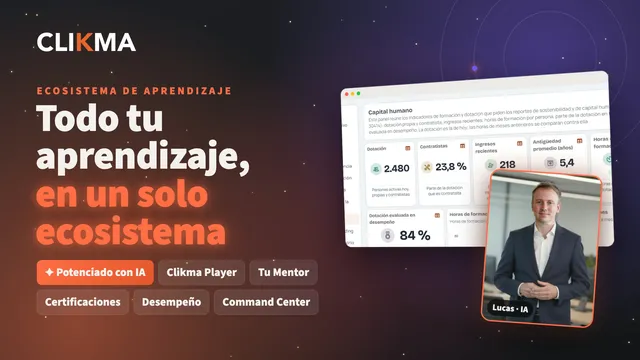
All of Clikma in one video: learning, Clikma AI, certifications, onboarding, workforce, performance, surveys and the Command Center, connected.

Learning

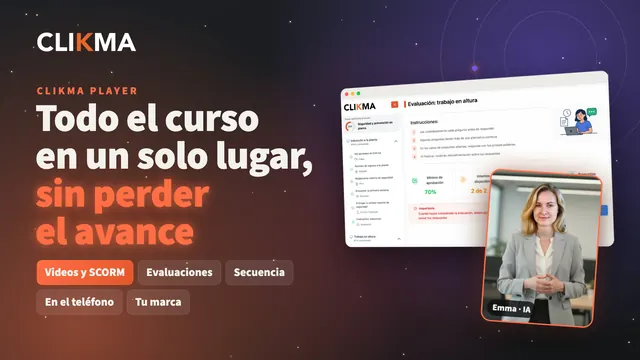
The Clikma Player: where each person takes their courses from start to finish, without losing their progress, and every step is recorded.

Robot of the Clikma AI smart assistant

Clikma AI

The smart assistant and the content generator: Clikma's artificial intelligence, for everyone in your organization.

Smart Assistant

Clikma AI, the smart assistant

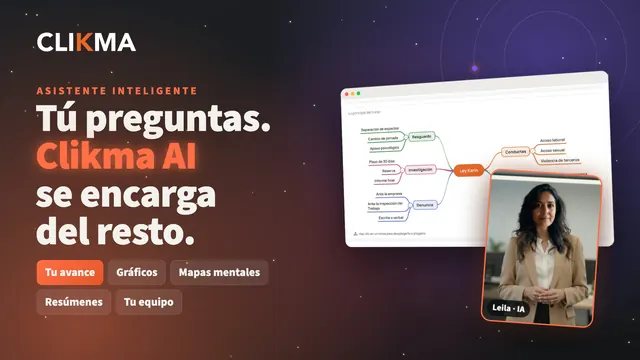
Your progress, your certificates, course summaries and mind maps, and your team's progress, just by asking in plain language.

Narrated in SpanishEnglish subtitles

Go to the Smart Assistant page
Transcript

Which courses do I still have to do? How is my team doing? What is this course about? Hi, I'm Leila. Meet Clikma AI: the smart assistant for everyone in your organization. How are you doing? It shows your progress and everything assigned to you. Want it as a chart? It draws it for you.

Your certificates? Ready to download. A long course? It sums it up with its key points… or builds you a mind map, ready to download. Also timelines, flowcharts and comparison tables. And it suggests courses you can enroll in on your own. And I'm Omar. If you lead a team, it also shows you how your people are progressing.

How is my team doing? Each person's progress, with what's overdue and what's pending, also as a chart. How do you assign a course? It guides you step by step, with the platform's manuals. It helps you write and translate, and answers in Spanish, English or Portuguese. And if you manage the platform, you create videos and graphic pieces with the Content Generator.

It answers with your organization's content, and you choose what it includes. And everything runs on Clikma's infrastructure. You ask… and Clikma AI takes care of the rest. Clikma AI powers up your learning ecosystem. More at clikma.com

Content generator

Clikma AI Content Generator

Write what you need, add your material and Clikma AI builds the video: script, presenter, voice, subtitles and your brand.

Narrated in SpanishEnglish subtitles

Go to the Content generator page
Transcript

Your training team creating its own content… with a presenter, a voice and your brand? Meet the Clikma AI Content Generator. You just write what you need and add your material: a document, a presentation. And Clikma AI takes care of the rest: script, presenter, voice, subtitles and your brand.

Four templates, in Spanish, English or Portuguese. Hi, I'm Mateo. And I'm Amara. We're presenters generated with artificial intelligence… to boost learning and communication across your organization. We speak to every audience… in their language and with their voice. 17 presenters…

or your own avatar, created from a description. A full-body presenter, with gesturing hands, in a corner box or full screen. A formal voice? A friendly one? Or full of energy! Realistic voices in neutral Spanish, with a Chilean accent and other accents. You choose. And also: photos and graphic pieces, ready to publish.

Your team creates the content it needs, tailored to it and always on brand, to complement your training programs. And with Clikma AI you power up your learning ecosystem: your team creates, your people learn. You bring the idea. We handle everything else. More at clikma.com

Command Center

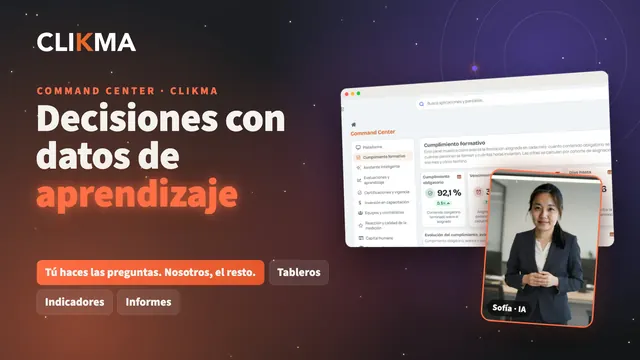
Your organization's learning and performance data: ready-to-use dashboards, dashboards made to measure and a connection to your systems.

Command Center

Command Center dashboard builder

Build a dashboard for each area: drag in indicators, choose from 15 ways to display them, lock filters and decide who sees it.

Narrated in SpanishEnglish subtitles

Go to the Command Center page
Transcript

What if every area had the dashboard it needs? Hi, I'm Ethan. Let me show you how to build a dashboard in the Command Center. Create a dashboard: give it a name and start from a template, or from scratch. Search the indicator catalog and drag them onto the canvas. Adjust their size and position.

Change the title, the colors and the chart type. Lines, bars, tables, funnels, flows or heat maps: the Command Center has 15 ways to show your data. Add the filter bar by job title, section or cost center, and lock the filters that always apply. Decide who sees it: the whole company, or just some roles.

Check the preview… and publish it. Need an indicator that doesn't exist yet? We set it up for you, tailored to your organization. You ask the questions. We take care of the rest. Clikma powers up your learning ecosystem. More at clikma.com

Command Center

Command Center API connection

Your HR system keeps people up to date in Clikma, and your BI tool or intranet reads your dashboard indicators with your company's API key.

Narrated in SpanishEnglish subtitles

Go to the Command Center page
Transcript

Your learning indicators… in your own BI tool? Hi, I'm Sofía. Let me tell you how Clikma connects with your organization's systems. First, your people: your HR system keeps them up to date in Clikma through the API. New hires, changes and departures. With their job titles, areas and cost centers.

So every dashboard filters the way your company is organized. Then, your indicators: in the Command Center, an administrator generates your company's API key. With it, your BI tool, a spreadsheet or your intranet query the indicators of your published dashboards: each month's value, and the detail, row by row.

With each column name in Spanish, English or Portuguese. Want to see what it returns before you connect? Try it right there, indicator by indicator. The key is shown only once. You can set an expiry date, disable it or regenerate it whenever you want. Your learning data, wherever your organization needs it.

You ask the questions. We take care of the rest. Clikma powers up your learning ecosystem. More at clikma.com

Certifications

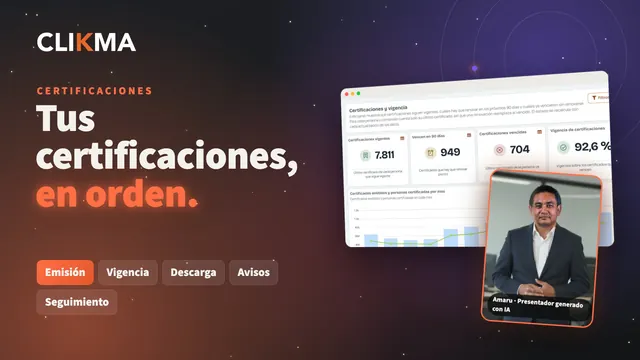
Certificates with signatures and validity dates, which each person downloads, their managers track and the Command Center summarizes for the whole organization.

Performance and onboarding

Performance reviews and each new hire's onboarding, from start to finish, on the same platform where your people learn.

Performance

Clikma Performance

Evaluating your people from start to finish: self-assessment, manager review, goals, the feedback conversation and the progress of the process in view.

Narrated in SpanishEnglish subtitles

Go to the Performance page
Transcript

Reviews in spreadsheets, reminders by email… and nobody knows where the process stands? Hi, I'm David. Meet Clikma Performance: evaluating your people, from start to finish, on the same platform where they learn. With the Process builder you set up your cycle to fit: you choose the stages, who takes part and with which rules.

Self-assessment, manager review, goals, feedback and closing: start from a template or from a blank page. Each person sees what's theirs to do and by when, and answers in a few clicks: it saves automatically. Managers rate competencies and goals on a clear scale, with the person's self-assessment in view.

Then, the feedback conversation: what was discussed and agreed is recorded, and the person closes their review. And if you're in HR, you have the whole process in view. Progress by stage and by structure, so you know where things are pending before the deadline. Results and reports in Excel and PDF, and reports that arrive in your inbox on their own.

From compliance to impact: evaluate, talk with and develop your people, all in Clikma. Clikma powers up your organization's learning ecosystem. Write to our accounts team: more at clikma.com

Onboarding

Clikma Onboarding

Every new person knows what to do, with whom and when: stages with tasks, documents, courses and surveys, their support team, and progress their manager can follow.

Narrated in SpanishEnglish subtitles

Go to the Onboarding page
Transcript

First day at work. What do I do first? Who do I ask? Which courses do I have to take? Hi, I'm Arjun. With Clikma Onboarding, every new person knows what to do, with whom and when. HR builds the process in stages, from a template or from scratch. Each stage adds tasks, documents, courses and surveys.

And each task or document reaches the right person. The new hire goes through it step by step: they check off their tasks and see their progress in each stage. The first time, a guided tour shows them how it works. They meet their support team: their manager, their buddy and HR. They download their documents, sign the ones they need to and take their courses in the Clikma player.

And managers follow the progress of each person on their team, stage by stage. HR sends reminders to anyone with pending items and gets reports on the process. A well-organized, warm welcome is the first step in learning. Clikma powers up your organization's learning ecosystem. Talk to our accounts team at clikma.com

Internal and external workforce

Your employees and your contractors' staff, with their documents and clearance status, in the same profile where they train.

Clikma

Get to know Clikma with your own use cases

In a demo we walk through the features you care about, with your processes and your numbers.

Book a Demo
Logo